Wondershare Filmora
More AI, Videos in Less Clicks. Bring AI-powered efficiency and simplicity to your everyday editing.
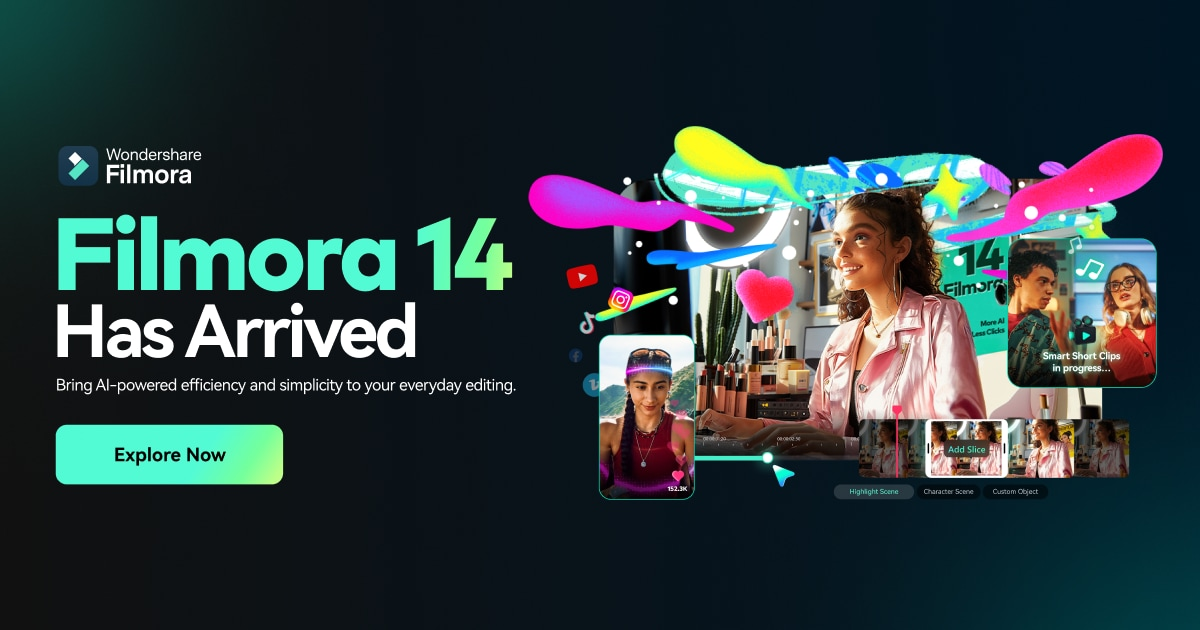
Wondershare Filmora is a user-friendly video editing software designed for both beginners and experienced creators. It focuses on simplifying the video editing process with AI-powered tools, a vast library of assets, and an intuitive interface. Filmora enables users to create engaging content for social media, YouTube, and other platforms with ease, offering features suitable for quick edits as well as more complex projects. Filmora provides a balance of power and simplicity, making it a go-to choice for millions of creators worldwide.
Key Features:
- AI-Powered Tools: Includes AI Video Enhancer, AI Portrait Cutout, AI Smart Short Clips, and AI Video Translation for efficient editing.
- Smart Short Clips: Quickly creates engaging video clips.
- Smart Scene Cut: Simplifies scene detection and cutting.
- Multi-Camera Editing: Allows editing footage from multiple cameras.
- Planar Tracking: Enables advanced motion tracking.
- Auto Reframe: Automatically resizes videos for different aspect ratios.
- Magnetic Timeline: Simplifies video arrangement.
- Path Curve: Adds motion to objects and text
- Advanced Compression: Optimizes video file sizes.
- Social Video Planner: Helps schedule video postings.
- Built-in Screen Recording: Captures screen activity.
- Extensive Asset Library: Offers a wide range of templates, titles, stickers, stock media, effects, transitions, and filters.
- Audio Editing: Provides features for audio mixing, noise reduction, and adding music and sound effects.
- Metal Rendering (Mac): Leverages Apple’s Metal technology for improved performance on macOS.
- Direct Export to Social Media: Supports direct uploading to YouTube and other platforms.
- GPU Acceleration: Speeds up rendering and editing processes.
- Metal Rendering Support: Leverages Apple’s advanced graphics technology for significantly improved video editing performance.
- Multi-Format Support: Supports a variety of video formats, including MP4, MOV, AVI, MKV, and MPEG.
Benefits and Use Cases:
- Simplified Video Editing: Makes complex editing tasks easy and accessible.
- Increased Efficiency: AI-powered tools and a user-friendly interface streamline the editing workflow.
- Enhanced Creativity: Offers a vast library of assets and effects to spark creativity.
- Versatile Applications: Suitable for creating content for social media, YouTube, marketing, education, and personal projects.
- Cost-Effective Solution: Provides professional-level features at an affordable price.
- Accessibility for Beginners: Offers an intuitive interface that makes it easy for beginners to get started.
- High-Quality Output: Enables users to produce professional-looking videos.
- Direct Social Media Integration: Simplifies the process of sharing videos on social media platforms.
- Performance Optimization: GPU acceleration and Metal rendering (on Mac) ensure smooth playback and rendering.
- Affordable Pricing: Affordable pricing with frequent updates and improvements, and a user-friendly interface
- Content Versatility: Smart Short clips are super quick rendering and instant templates, making it ideal for YouTube, Instagram, and other social media videos
- Seamless for Quick Social Media Edits: Intuitive interface and drag-and-drop functionality that make piecing clips together effortless
- Affordable Pricing: The software offers affordable pricing, frequent updates and improvements, and a user-friendly interface.
- Time Savings: Essential tools are easily accessible.
- Easy to use Elements: Compared to other platforms the elements are well categorized and easy to find.