
Microsoft Copilot Pro
Supercharge your creativity and productivity
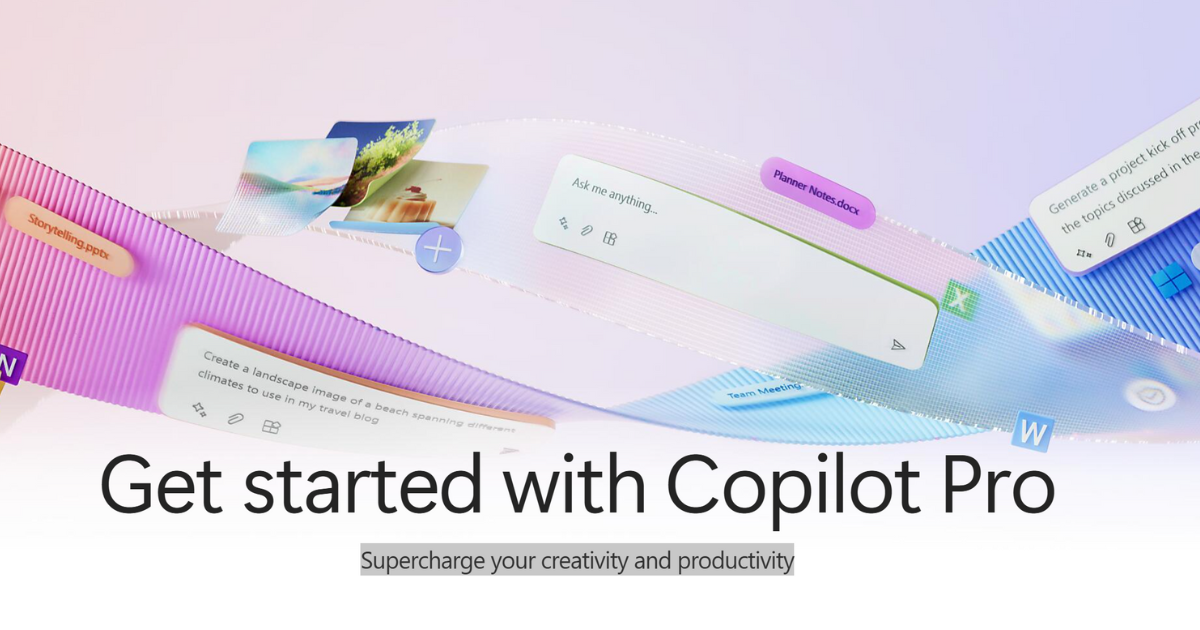
Microsoft Copilot Pro is a subscription service designed to supercharge creativity and productivity by providing access to AI-powered assistance within Microsoft 365 apps. It helps users write documents, create presentations, streamline their inbox, improve note-taking, and compile data more efficiently. Copilot Pro integrates with apps like Word, Excel, PowerPoint, Outlook, and OneNote to provide context-aware suggestions and automate tasks.
Key Features:
- Copilot in Word: Generates drafts, summarizes, and rewrites content to enhance document creation.
- Copilot in PowerPoint: Helps generate outlines, design slides, and organize content for compelling presentations.
- Copilot in Outlook: Summarizes long email threads, suggests replies, and assists in drafting emails with the appropriate tone.
- Copilot in OneNote: Aids in creating, organizing, rewriting, summarizing, and searching within lists and notes.
- Copilot in Excel: Helps generate formulas, analyze and summarize data, and add visuals to spreadsheets.
- Cross-Language Support: Supports multiple languages, including Arabic, Chinese (Simplified), Chinese (Traditional), Czech, Danish, Dutch, English, Finnish, French, German, Hebrew, Hungarian, Italian, Japanese, Korean, Norwegian (Bokmål), Polish, Portuguese (Brazil), Portuguese (Portugal), Russian, Spanish, Swedish, Thai, and Turkish in the web versions of Word, Excel, PowerPoint, and Outlook.
Benefits and Use Cases:
- Increased Productivity: Streamlines various tasks across Microsoft 365 apps, saving time and effort.
- Enhanced Creativity: Provides AI-driven suggestions and tools to enhance the creative process in document and presentation creation.
- Improved Communication: Aids in drafting emails and summarizing conversations for better communication.
- Better Data Analysis: Helps analyze and summarize data in Excel, providing valuable insights.
- Effective Organization: Assists in organizing notes and lists in OneNote.
- Time Savings: Automates tasks and provides quick summaries, freeing up time for other priorities.
- Versatile Application: Suitable for professionals, students, and anyone using Microsoft 365 apps for work or personal projects.
- Helpful Assistance: Provides helpful and context-aware assistance, guiding users through complex tasks.
- Improved Workflow: Enhances workflow by automating recurring tasks and providing intelligent suggestions.