
Clockwise
Welcome to the era of intelligent calendaring. Clockwise navigates complex schedules and rearranges events so you can find time with a busy group or book an urgent meeting.
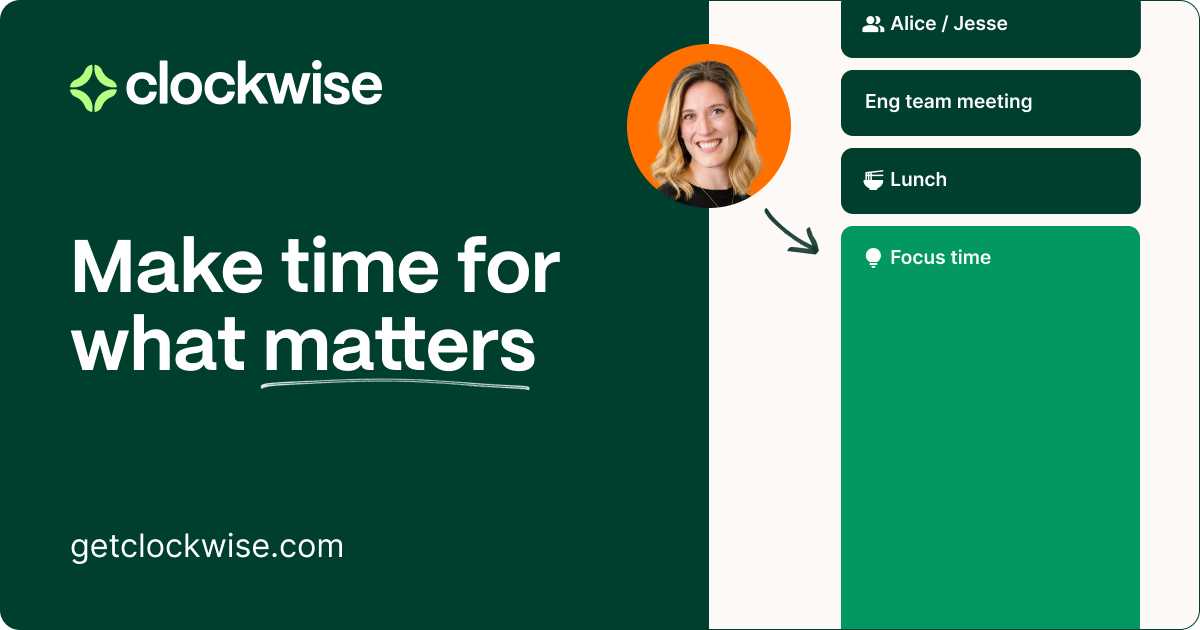
Clockwise is an AI-powered intelligent calendaring platform designed to eliminate calendar chaos and optimize schedules for individuals, teams, and entire companies. By analyzing calendars, respecting preferences, and automating scheduling tasks, Clockwise helps users find more time for focus, collaboration, and everything else that matters. It aims to be a best-in-class scheduling solution that's better at team-wide scheduling than any human.
Key Features:
- Intelligent Scheduling: Crafts the perfect schedule based on user preferences.
- Find Time Where There Is None: Navigates complex schedules and rearranges events to find time with busy groups or book urgent meetings.
- Manage Multiple Calendar Events at Once: Allows users to clear their day, reschedule meetings when they’re OOO, or book numerous 1:1s in a single chat request.
- Meeting Availability Generation: Turns availability into a text-based list of times or creates a one-time scheduling link.
- To-Do List Integration: Converts tasks into Flexible Holds on the calendar.
- One-Click Meeting Control: Enables users to RSVP, mark events as flexible, or reschedule with a single click.
- Meeting Time Feedback: Shares rescheduling proposals for attendee approval before moving anything on the calendar.
- Flexible Holds: Protects blocks of time for deep work and minimizes interruptions.
- Team Scheduling: Automates scheduling with busy teammates while respecting everyone’s work preferences.
- External Calendar Coordination: Minimizes conflicts when scheduling with external contacts.
Benefits and Use Cases:
- Reduced Scheduling Time: Minimizes time spent on manual scheduling tasks.
- Increased Focus Time: Creates and protects blocks for deep work to improve concentration.
- Improved Team Collaboration: Facilitates easier and more efficient scheduling with teammates.
- Better Calendar Management: Provides a dynamic calendar that reacts to shifting priorities and respects user preferences.
- Streamlined Workflows: Automates administrative aspects of calendar management.
- Enhanced Productivity: Helps engineers and other employees increase their ability to get work done.
- Improved Time Management: Gives users the superpower to manage time effectively.
- Reduced Calendar Conflicts: Minimizes scheduling conflicts with both internal and external contacts.
- Versatile Application: Suitable for individuals, teams, and entire companies.
- Data-Driven Scheduling: Utilizes a proprietary scheduling engine that analyzes vast amounts of data to optimize schedules.
- Better Cultural Calendar management: Helps teams stay up to date and have important spots such as lunch time booked on a calendar