
Chorus
Make Every Interaction Count. Backed by 14 technology patents that leverage proprietary machine-learning, Chorus is the fastest growing Conversation Intelligence product in existence.
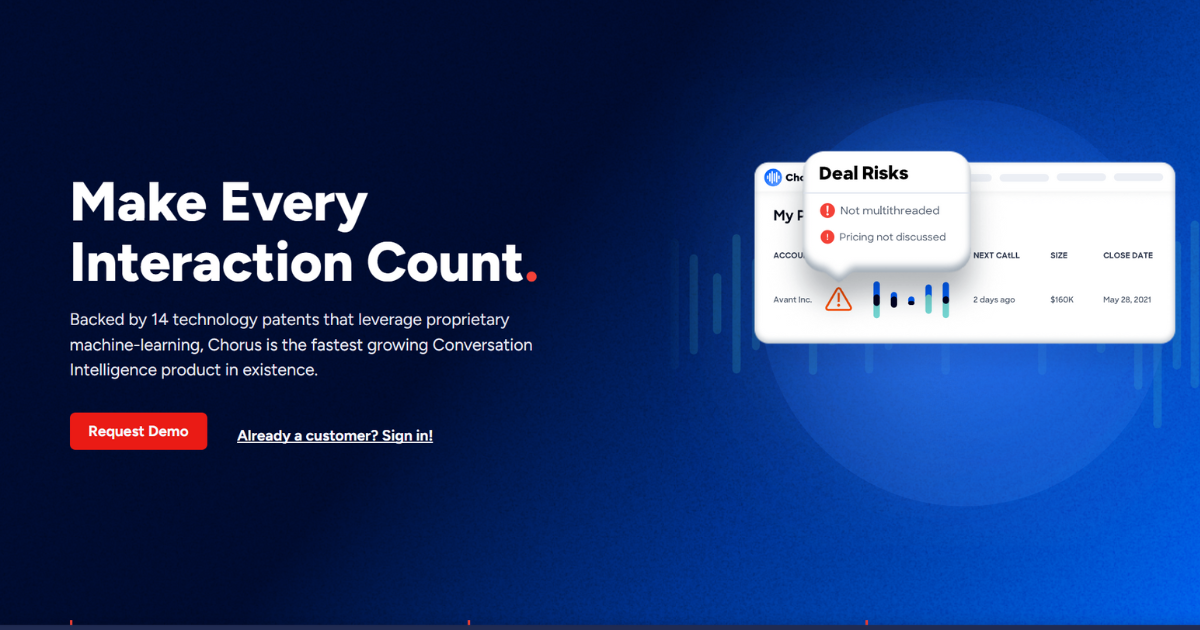
Chorus by ZoomInfo is a sales call analysis platform designed to help performance-driven sales teams capture and analyze customer interactions. It provides visibility into customer calls, meetings, and emails to drive process and behavior changes, ultimately impacting the bottom line. Chorus enables sales teams to identify winning behaviors, reduce new hire ramp time, improve deal forecasting, and gain market intelligence. It's also utilized across the company by sharing call snippets to other teams, like marketing, product, and engineering.
Key Features:
- Sales Call Analysis: Captures and analyzes customer calls, meetings, and emails.
- Transcription and Insights: Instantly provides transcriptions and insights from customer conversations.
- Onboarding and Sales Enablement: Helps identify winning behaviors to improve team skills and reduce new hire ramp time.
- Deal Intelligence & Relationship Management: Automatically captures and syncs contacts and communications to CRM for complete visibility into relationships.
- Market Intelligence: Analyzes the voice of the customer to understand market trends and gain competitive insights.
- Connected Intelligence: Integrates with ZoomInfo to bring contact and company intelligence to go-to-market teams.
- Scorecarding Functionality: Can be used for call coaching.
- Snippet Sharing: Allows the sharing of call snippets across various teams, like marketing, product, and engineering.
- Actionable Tagging Features: Makes training and enablement easy, such as insights on average talk time and filler words.
- Easy to Add Teams: On the admin end, it's easy to add teams in a hierarchical order and create specific permissions based on what the team needs to see.
Benefits and Use Cases:
- Improved Team Performance: Identify winning behaviors that uplevel team skills, reduce new hire ramp time, and drive methodology adherence.
- Confident Forecasting: Gain complete visibility into relationships to measure deal momentum and action unbiased CRM data.
- Strategic Market Decisions: Leverage customer language in messaging and content to make better strategic decisions.
- Enhanced Coaching: Used for call coaching, which is really helpful in today's remote environment.
- Efficient Training: Streamlines training and enablement with actionable tagging features.
- Increased Transparency: Helps to have more data on how to improve the product and improve processes across the board.
- Improved Sales Enablement: Being able to not only listen to other team members' calls to learn from them but to listen to own calls has been an integral part of their learning and ramp process. It helps be completely present during calls and helps to grow and see what areas need to work on.
- Reduces Note Taking: Don't have to take notes because it offers transcription and insight features.